
xingfucoder's avatar

Cloud9 IDE with Composer + Laravel

Hi guys,

I'm testing the online Cloud9 IDE and here goes my Laravel5 custom workspace.

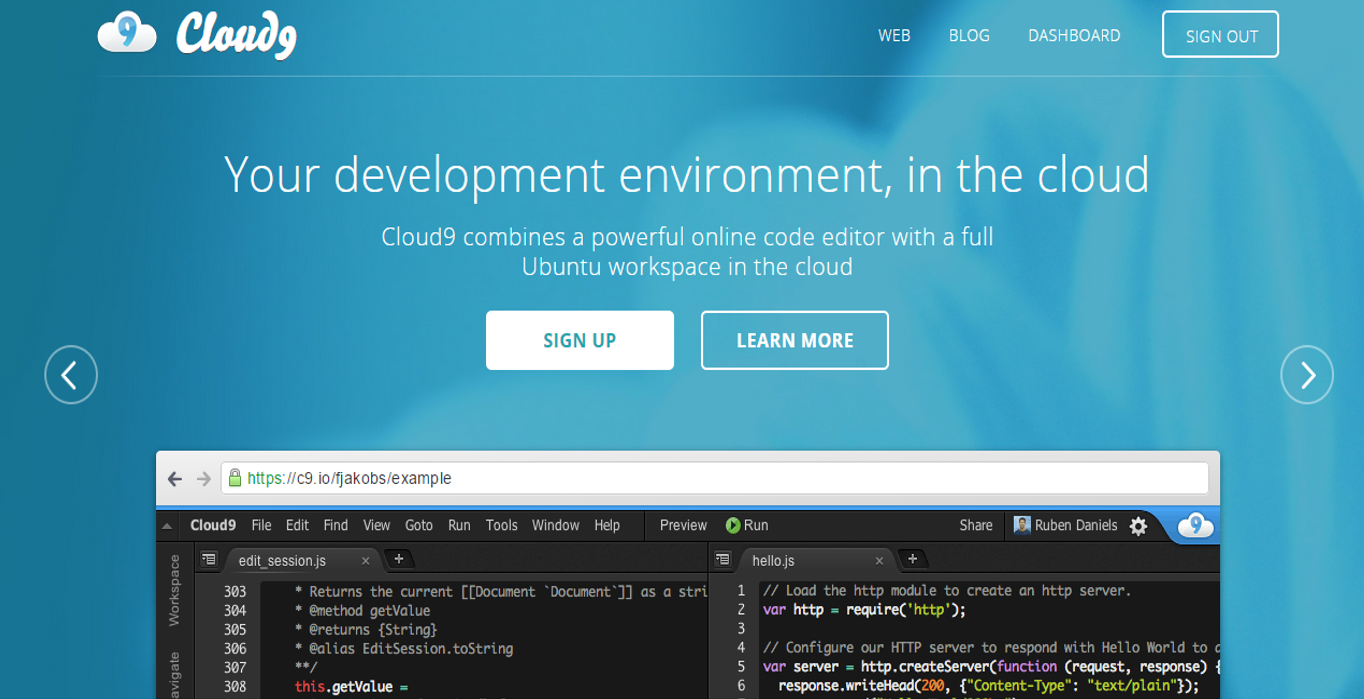
Step 1. Go to http://c9.io.

Cloud9-1

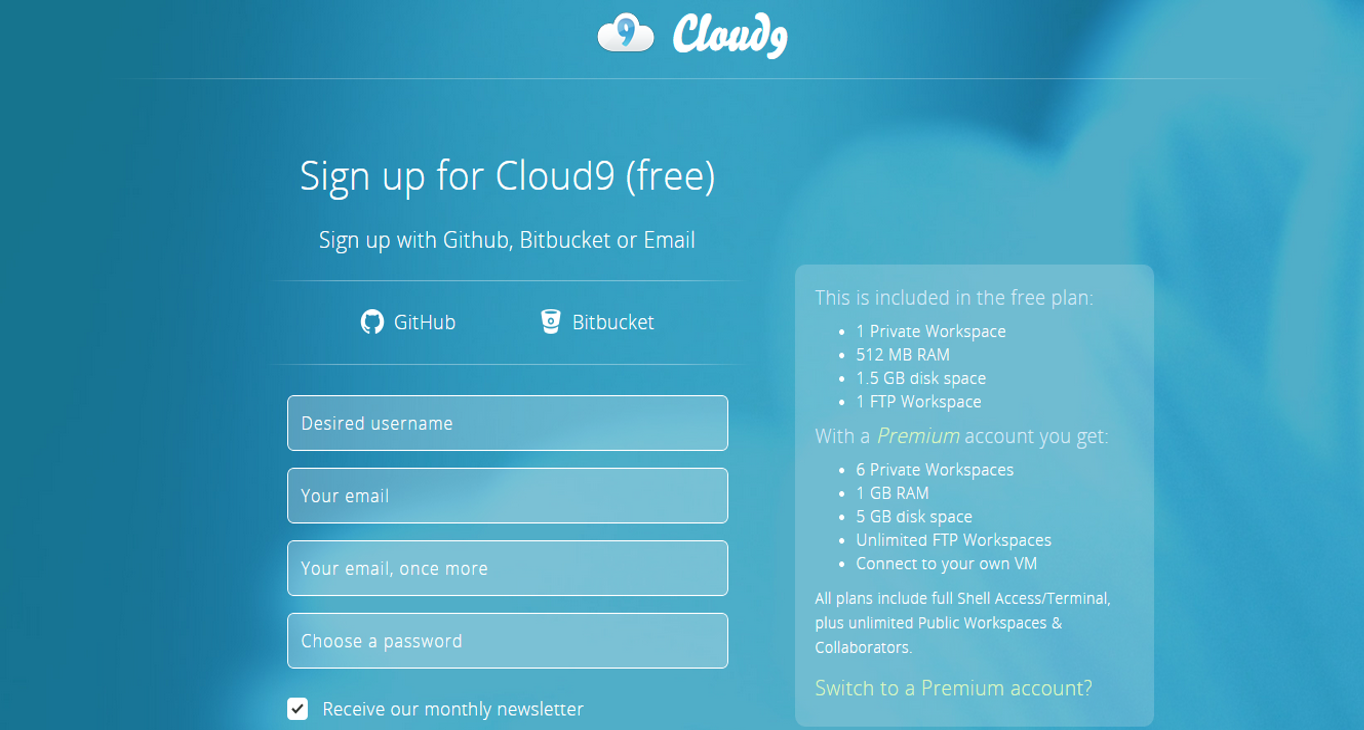
Step 2. Sign Up your account (using BitBucket, Github or a new C9 account) or login to go to your Dashboard.

Cloud9-2

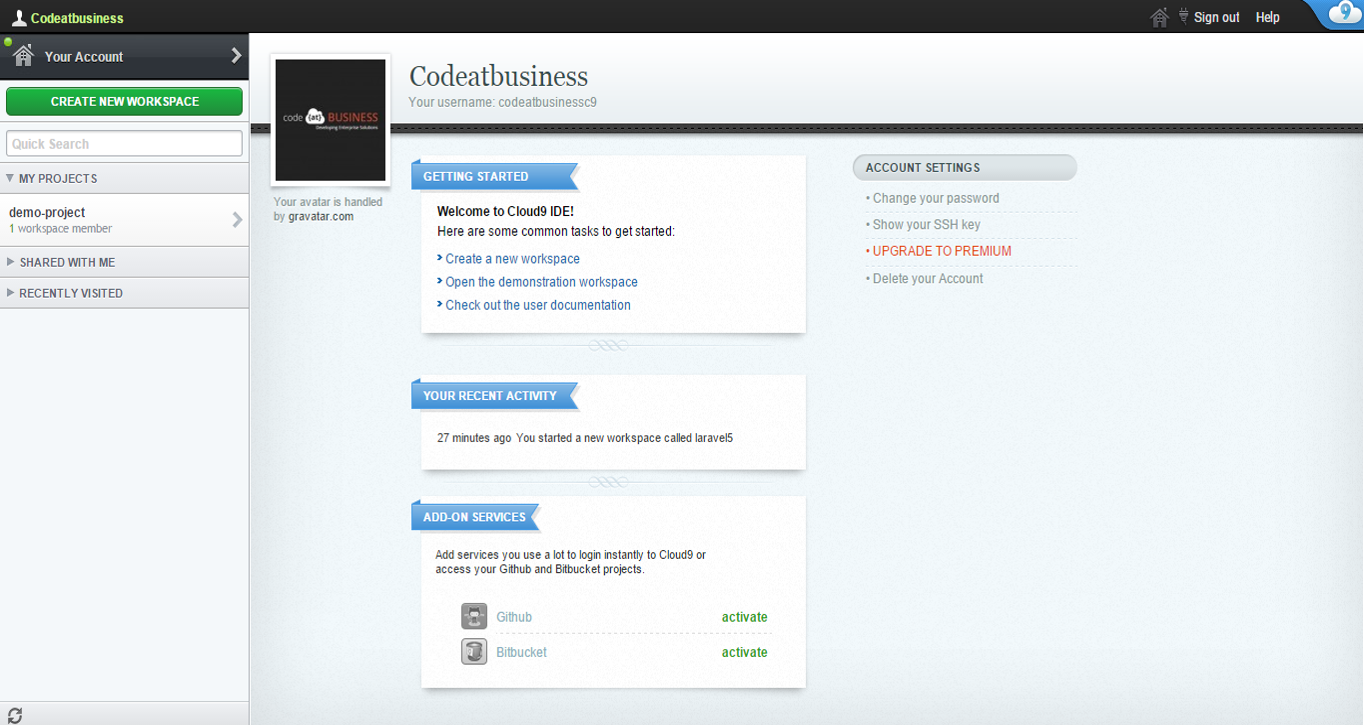
Step 3. Enter to your Dashboard.

Cloud9-3

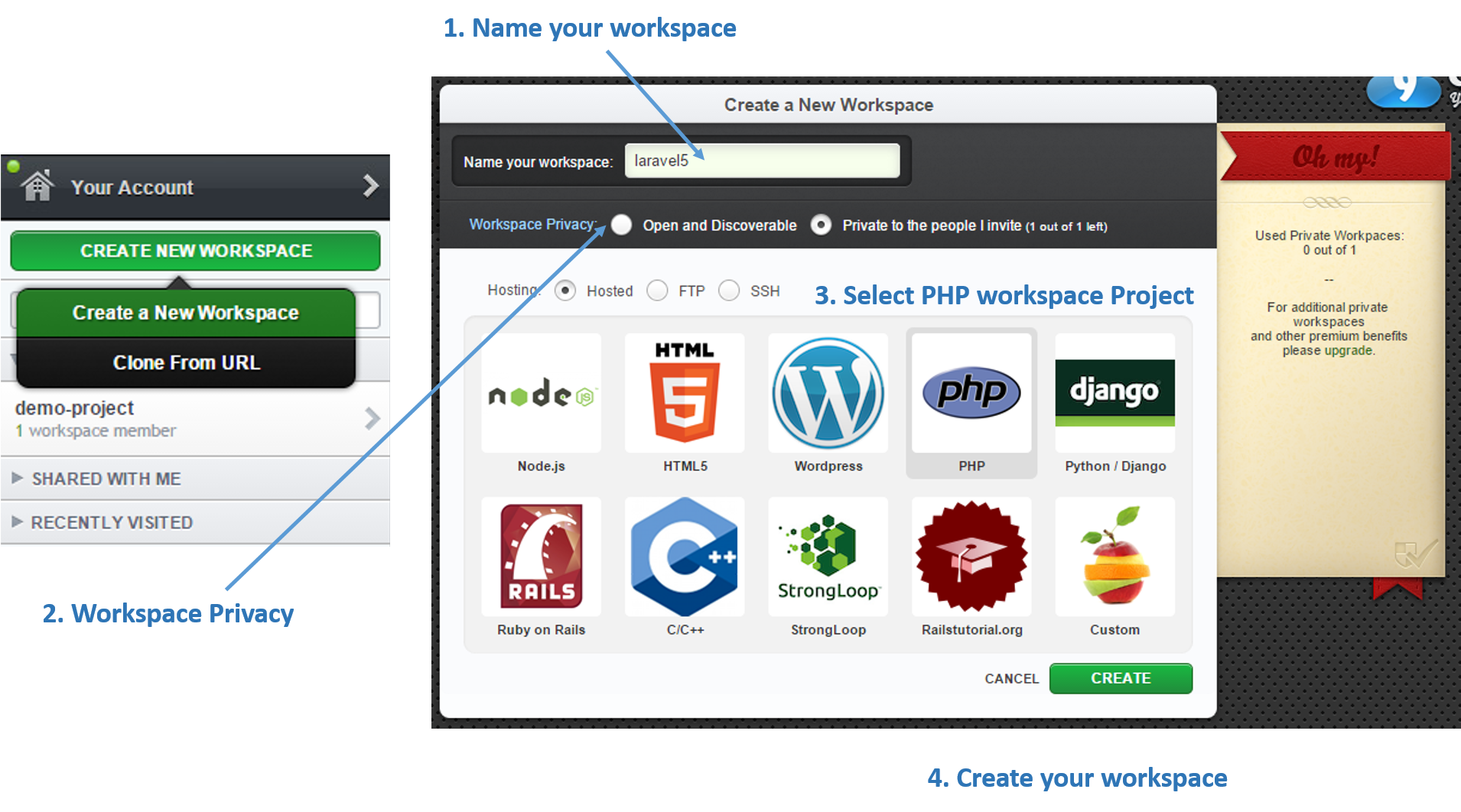
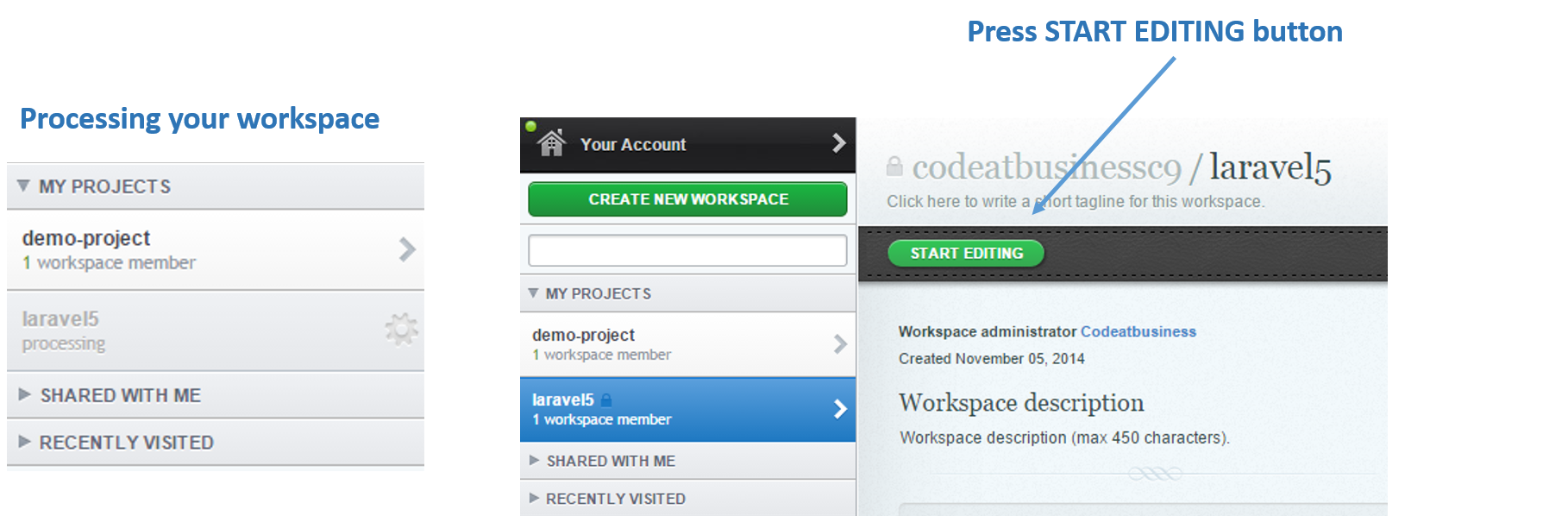
Step 4. Create your custom public or private workspace (if you are using a free account you only can create 1 private workspace)

Cloud9-3

Step 5. Once you created your project, you may start editing it.

Cloud9-3

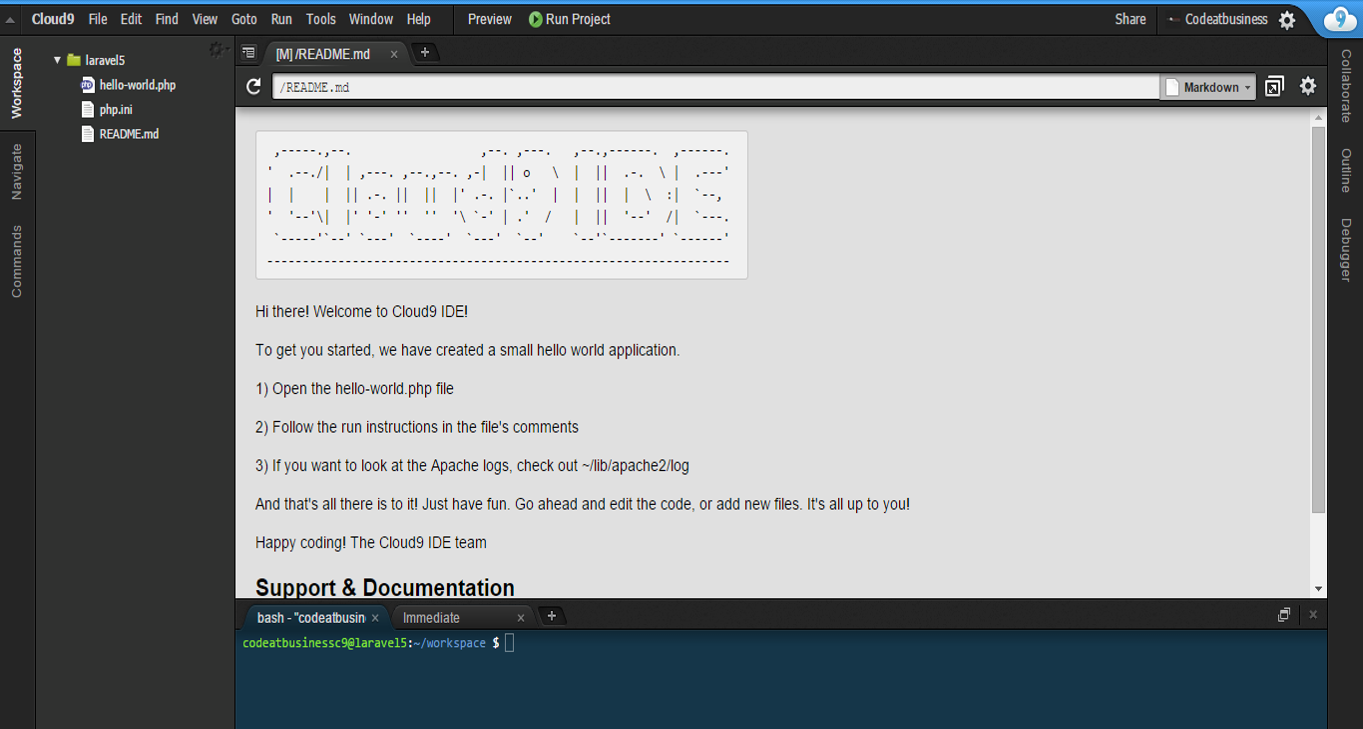
Step 6. Then go to your console below your Readme.md file as you can see in the following image:

Cloud9-3

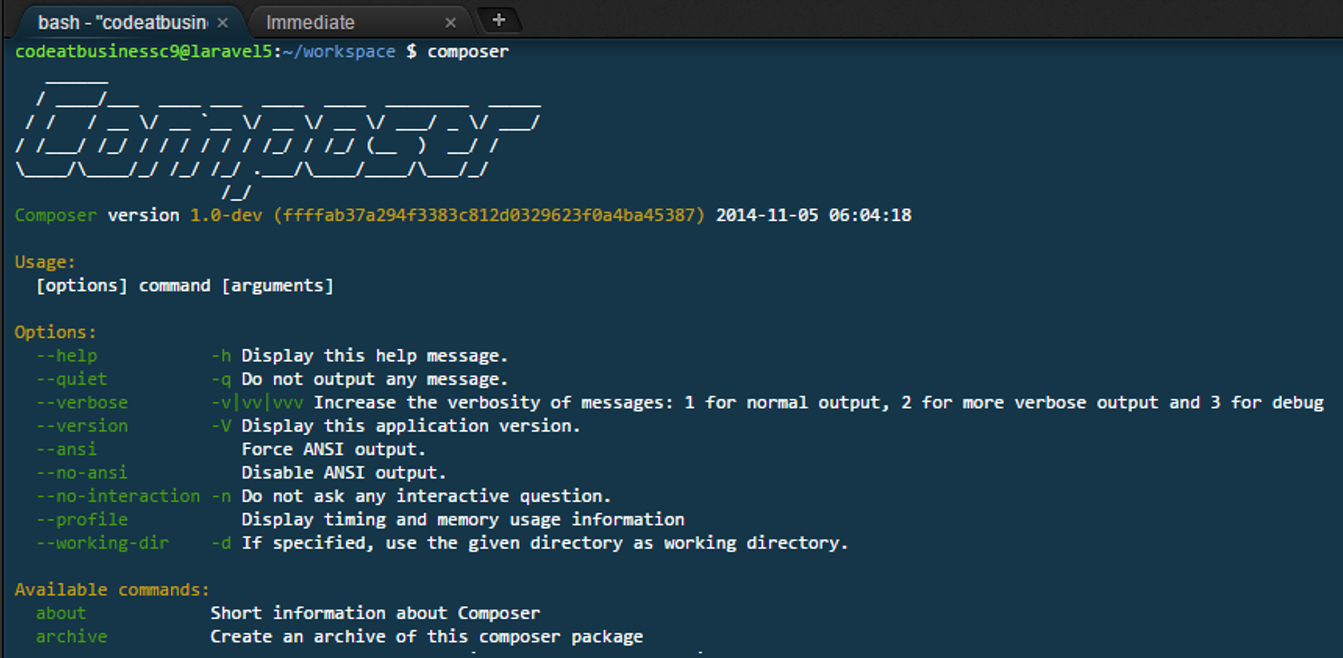
Step 7. Install Composer globally and try running composer. You can use the following commands:

$ curl -sS https://getcomposer.org/installer | php
$ sudo mv composer.phar /usr/local/bin/composer

Cloud9-3

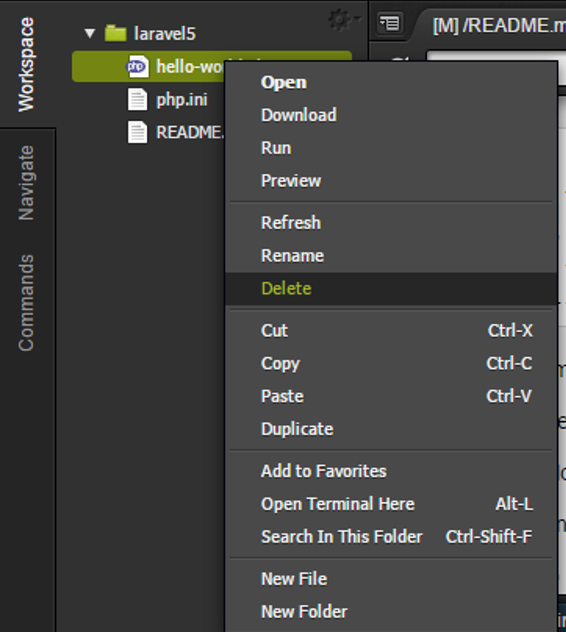
Step 8. The next step is delete your hello-world.php file.

Cloud9-3

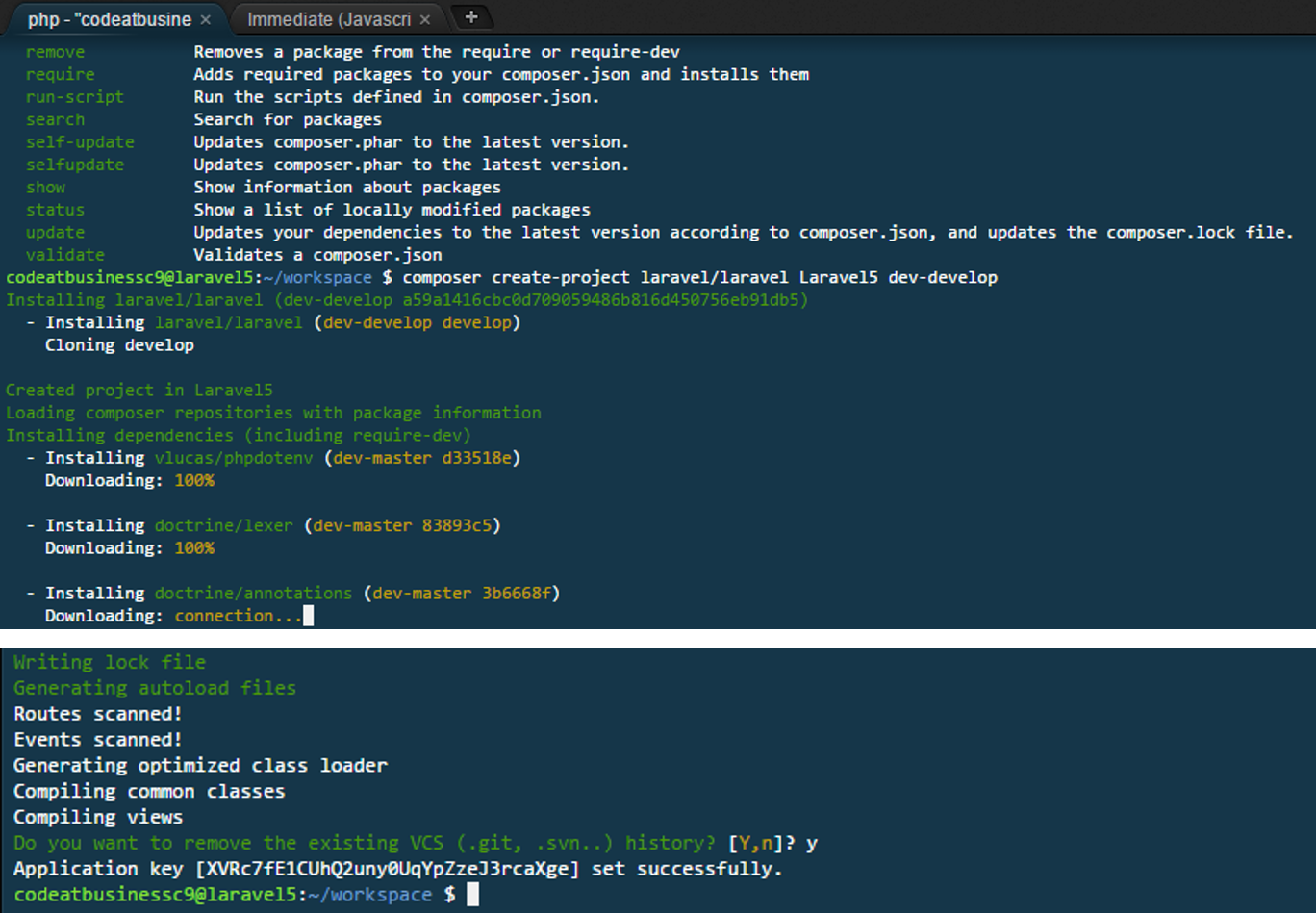
Step 9. Try executing the composer command and go to create your first Laravel5 project using the following command:

composer create-project laravel/laravel YourProjectName dev-develop

Cloud9-3

Cloud9-3

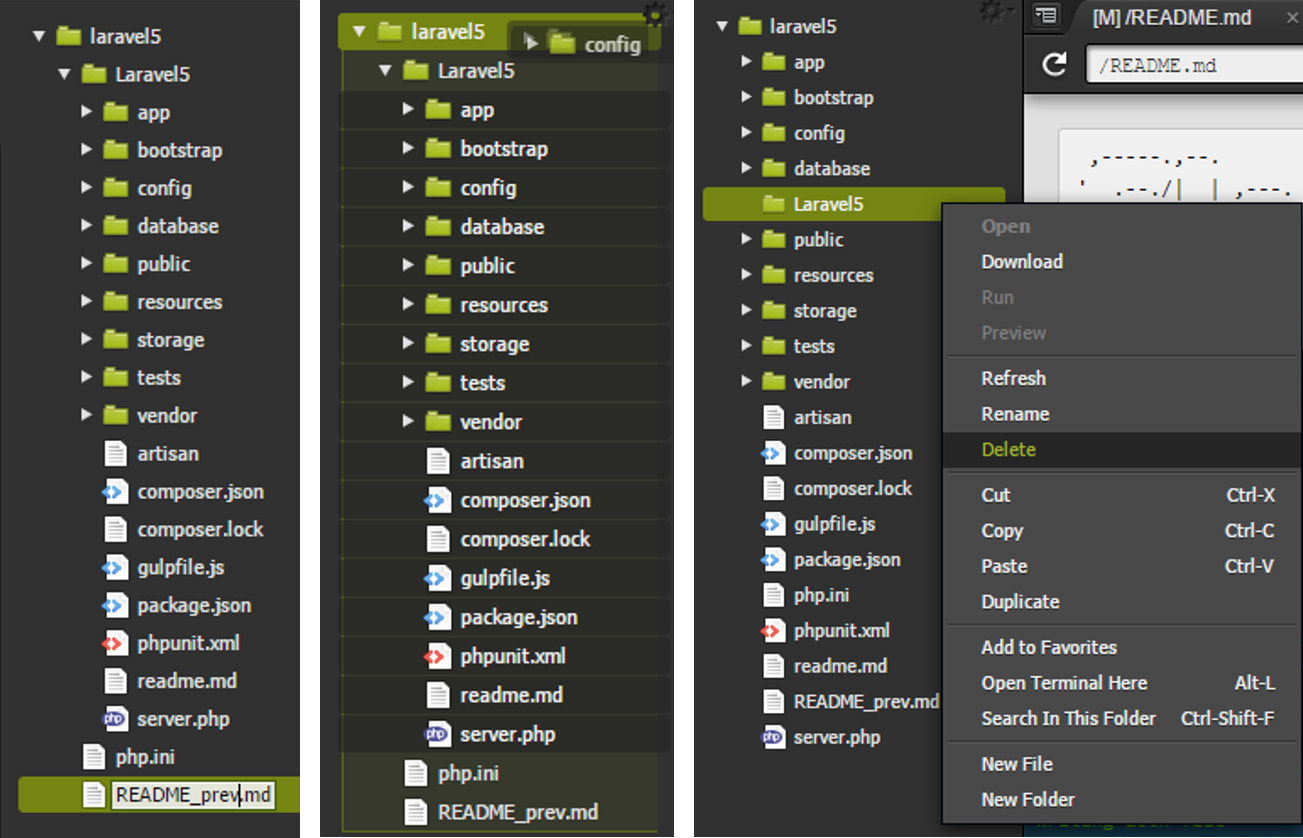
Step 10. Once the files are within your project you can rename the README.md file for avoiding conflict with the Laravel5 readme file, move the Laravel project files and delete the folder where those files were before move them.

Cloud9-3

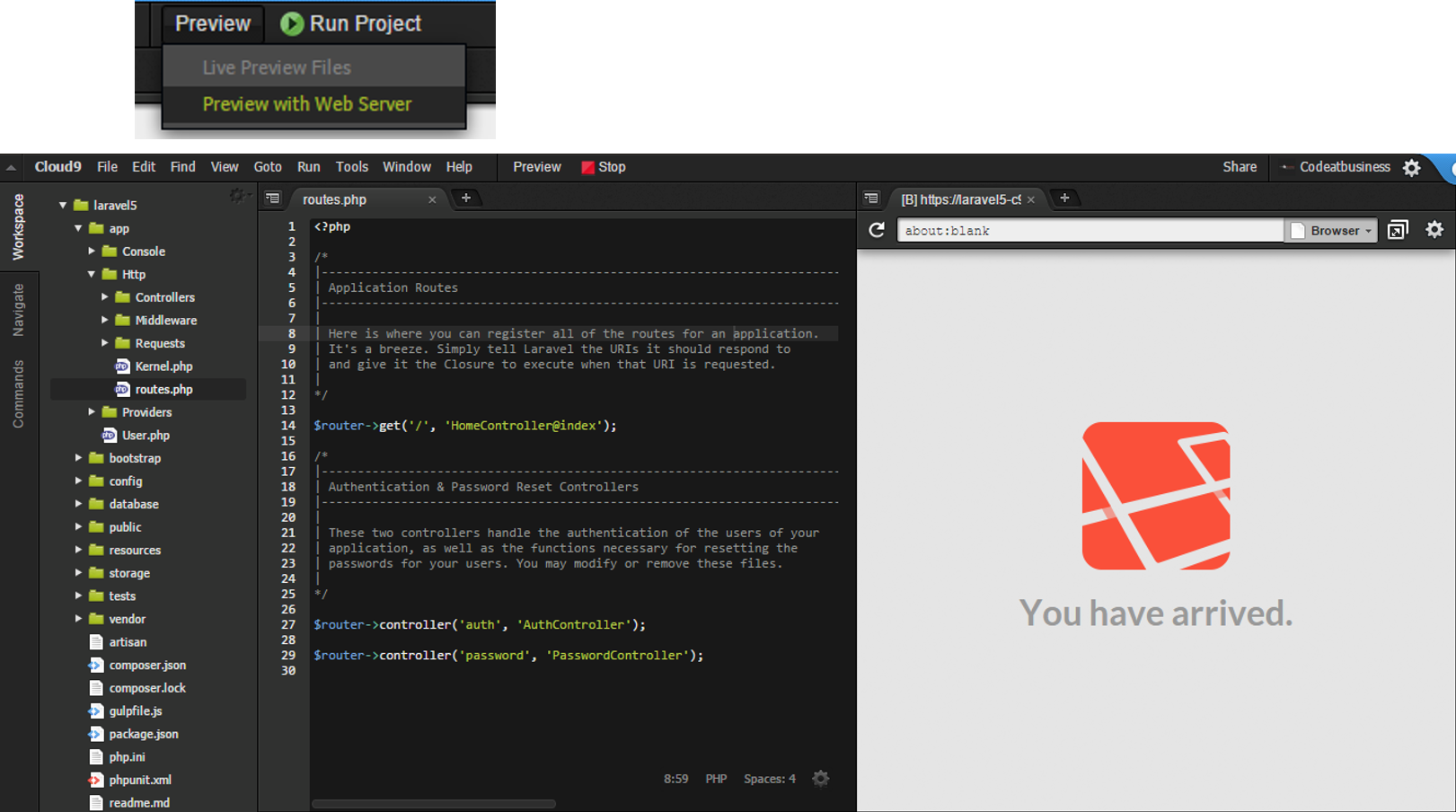
Step 11. You may try it in the server browser as follow:

Cloud9-3

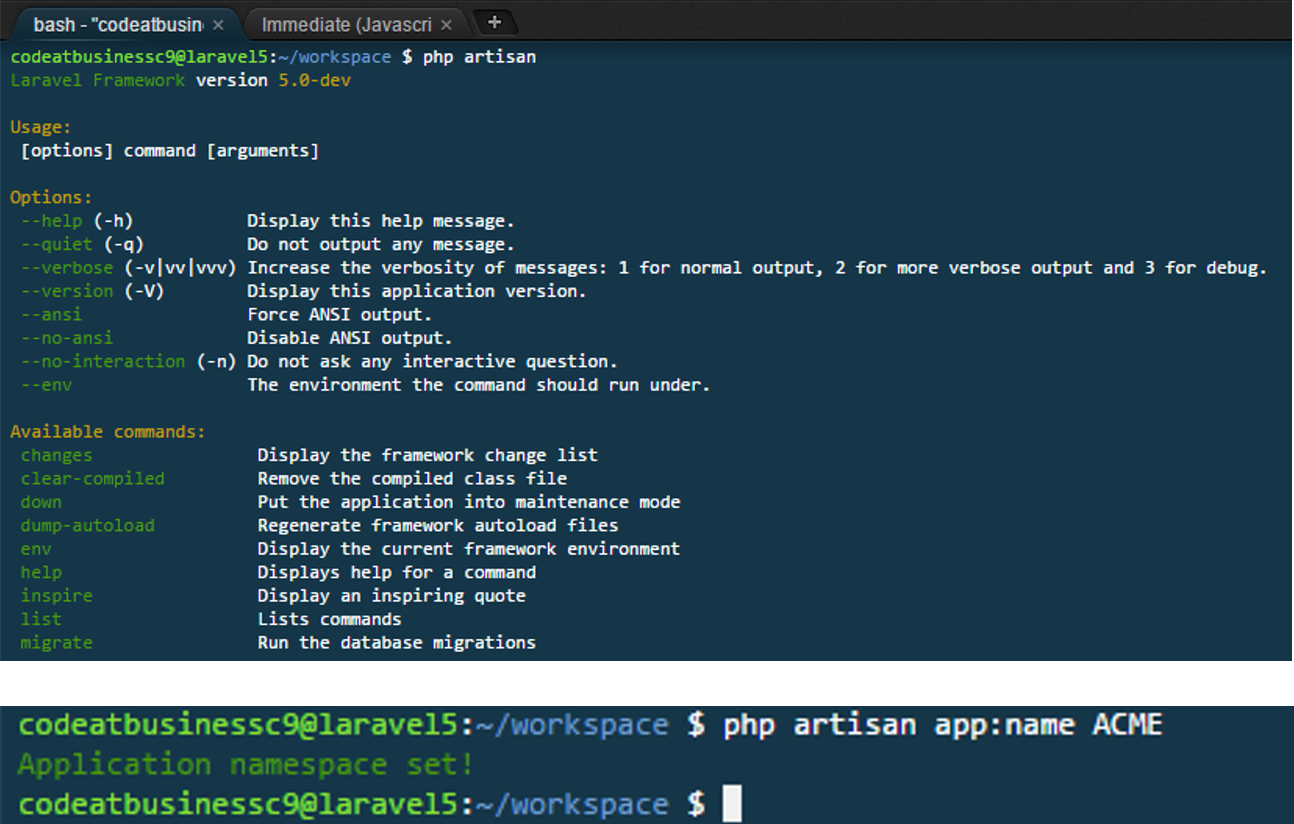
Step 12. Try to change your root namespace of your Laravel5 Application with the app:name internal php artisan command as follow:

php artisan app:name YourCustomName

Cloud9-3

Using paired editing you can edit with your colleagues.

Enjoy it!

Hope it helps you.

0 likes
14 replies
xingfucoder's avatar

Adding the MySQL Database connection

I will complete some tips for this tutorial:

If you are using Laravel within your Cloud9 workspace, you need to know that you are using production environment.

Then if you want to connect to your Cloud9 Database (called c9) you need to follow the following steps:

  1. For using mysql you need to run the following command, this command will return your credentials (by default your password must be leave as blank):
mysql-ctl cli
  1. Once you run it, you will have access to your mysql command line. If you type show databases; command you will view all databases, including the c9 main database.

  2. At last you need to update your config\database.php file for that database (c9) as follow:

 'mysql' => [
   'driver' => 'mysql',
   'host' => '127.0.0.1', //here goes your host 127.0.0.1 by default
   'database' => 'c9', //here goes your database name c9 by default
   'username' => 'yourMySQLusername', //here goes your default username as you view using mysql-ctl cli command
   'password' => '', //here goes your password leave it blank
   'charset' => 'utf8',
   'collation' => 'utf8_unicode_ci',
   'prefix' => '',
  ],
  1. If you want to try your connection run this command:
php artisan migrate:install

Here you can see how it works:
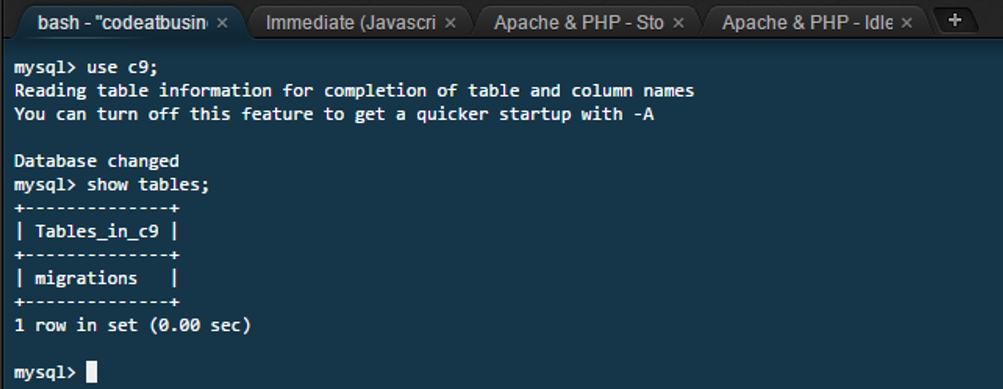
cloud9-mysql-laravel

Hope it helps you.

2 likes
bashy's avatar

Damn I lost internet, damn I can't code

3 likes
ax3lst's avatar

I like this Idea, but I often code offline so Cloud9 is useless for me :D
Btw: Nice tutorial!

xingfucoder's avatar

Hi @bashy, you are right, but I think it is only an option because working with repositories, you can combine this IDE with another, it only gives you some options for working online or in a portable environment.

I usually work with local environments but this IDE seems to me great.

isaackearl's avatar

Awesome guide! I just wanted to add a note that Nitrous.io is also a cloud IDE that is pretty awesome, and it is a bit easier to setup out of the box specifically for Laravel. All I had to do was pull in my git project, and composer etc was already installed out of the box! Put in my params for my database and mysql is ready to go by default as well.

Another thing that is nice about Nitrous is that you can download the Nitrous desktop app which allows you to use your favorite desktop IDE syncs a local folder up to your nitrous VM.. So you can still use PHPStorm when you want to.

I use a Homestead and develop locally for the most part but having another copy running on nitrous is nice when I want to work on it using a chromebook, or if I just don't happen to have my own computer with me I can always access it and work on it. I basically use it as a "staging" env so I can test some things over the net that may not make much sense testing locally when integrating with other apps etc (special use cases).

2 likes
xingfucoder's avatar

Thanks @isaackearl, I will try that.

In Cloud9 IDE you also can use git repositories (github or bitbucket projects).

danaia's avatar

Is Gulp supported on Cloud 9 instances? Doing an 'npm install' and 'npm install gulp' but it is giving me many warnings and I am not able to run Gulp. I can pull the same exact project down onto my Mac and 'npm install' works fine.

danaia's avatar

@bobbybouwmann Does that mean I do not get any points? Am I banned? I have Googled (try not to be so condescending please) If you try and npm install with laravel-elixr it fails. There is an issue with C9 and laravel npm installs. There is not much support hence the reason I am here. I thought this is a friendly community @Jeff .

5 likes
labanino's avatar

Hey guys! Is it possible to install the 'blade syntax' in c9?

bradydowling's avatar

@danaia Brady here, from Cloud9. Sorry to resurrect once again but installing Gulp should no longer be an issue. There are larger workspaces now so you should have some extra RAM. Also, here's a guide for getting Browsersynce and gulp setup that I've been through multiple times to make sure it works: Setting up Browsersync and Gulp.js for Livereload.

@labanino blade isn't supported right now.

2 likes

Please or to participate in this conversation.
