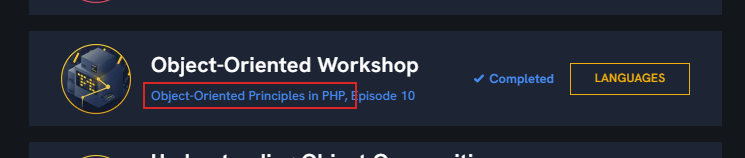
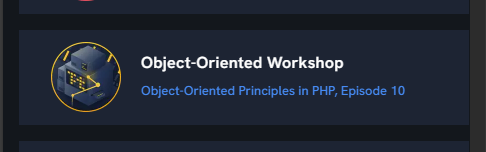

To address the request of adding a link to the series overview page from the episode list page and fixing the spacing issue on mobile, you can follow these steps:
Step 1: Add a Link to the Series Overview Page
Assuming you have access to the codebase and the episode list is rendered using a template (e.g., Blade in Laravel), you can modify the template to include a link to the series overview page. Here's a basic example:
@foreach($episodes as $episode)
    <div class="episode-item">
        <h3>{{ $episode->title }}</h3>
        <p>{{ $episode->description }}</p>
        <!-- Add a link to the series overview page -->
        <a href="{{ route('series.show', $episode->series->id) }}" class="series-link">
            View Series Overview
        </a>
    </div>
@endforeach
In this example, route('series.show', $episode->series->id) generates a URL to the series overview page. Ensure that your routes are correctly set up to handle this.
Step 2: Fix Mobile Spacing Issue
To address the spacing issue on mobile, you can add some CSS to ensure there is adequate padding or margin on the right side of the list items. Here's an example of how you might adjust the CSS:
.episode-item {
    padding: 10px;
    margin-bottom: 10px;
    border: 1px solid #ccc;
    border-radius: 5px;
}

@media (max-width: 768px) {
    .episode-item {
        padding-right: 15px; /* Add padding to the right */
    }
}
This CSS ensures that each episode item has some padding, and it specifically adds extra padding on the right side for mobile devices (using a media query).
Conclusion
By adding a link to the series overview page and adjusting the CSS for mobile spacing, you can enhance the user experience on the episode list page. Make sure to test these changes across different devices to ensure they work as expected.