skreng's avatar

How to use WireUi with Vite

Hi There!

Can someone tell me how to use wireUi with Vite? https://livewire-wireui.com/

Now I use:

        <!-- Fonts -->
        <link rel="stylesheet" href="https://fonts.bunny.net/css2?family=Nunito:wght@400;600;700&display=swap">
        @livewireStyles
        <!-- Scripts -->
        <wireui:scripts />
        @vite(['resources/css/app.css', 'resources/js/app.js'])
    </head>

but in the resoult I have tiny elemnt of logout dropdown.
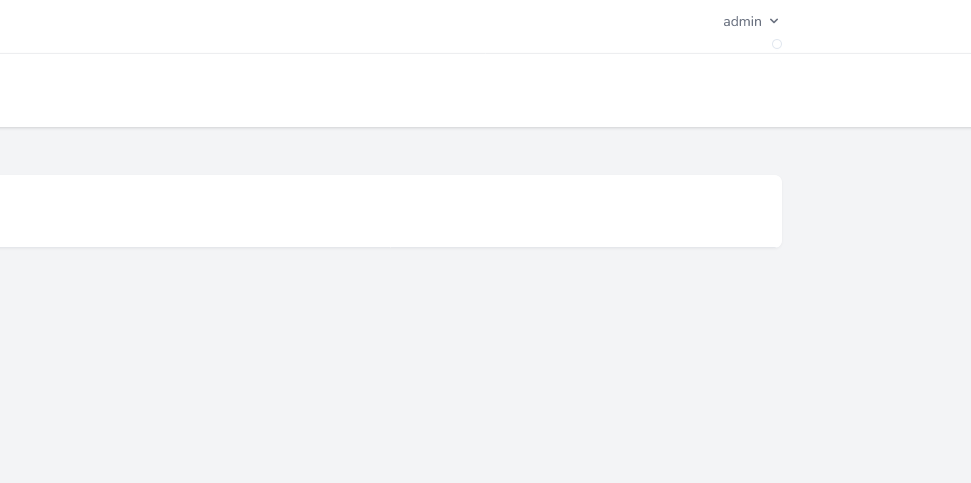
Screenshot 2022-08-08 at 15-21-28 Laravel

0 likes
15 replies
skreng's avatar

@Sinnbeck Yes I update the tailwind configure file and theres no errors in the console. On version Laravel 8 everyting was workings fine. After update to Laravel 9.2 with Vite this issue is happend.

Sinnbeck's avatar

@skreng can you show your resources/css/app.css and tailwind config

Did you run npm run build?

1 like
skreng's avatar

@Sinnbeck

tailwind.config

const defaultTheme = require('tailwindcss/defaultTheme');

module.exports = {
    content: [
        './vendor/laravel/framework/src/Illuminate/Pagination/resources/views/*.blade.php',
        './storage/framework/views/*.php',
        './resources/views/**/*.blade.php',
        './vendor/wireui/wireui/resources/**/*.blade.php',
        './vendor/wireui/wireui/ts/**/*.ts',
        './vendor/wireui/wireui/src/View/**/*.php'
    ],

    theme: {
        extend: {
            fontFamily: {
                sans: ['Nunito', ...defaultTheme.fontFamily.sans],
            },
        },
    },

    plugins: [
        require('@tailwindcss/forms'),
        require('@tailwindcss/aspect-ratio'),
        require('@tailwindcss/typography')
    ],
    presets: [
        require('./vendor/wireui/wireui/tailwind.config.js')
    ],

};

app.css

@tailwind base;
@tailwind components;
@tailwind utilities;

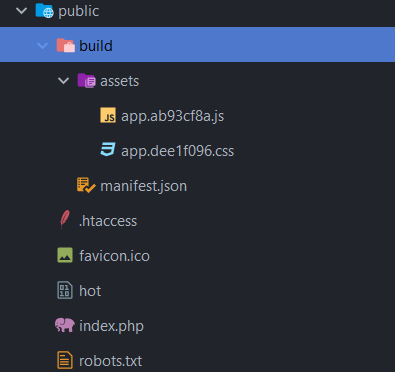
Nope I have run only npm run dev

skreng's avatar

@Sinnbeck Yes I have 2 files.

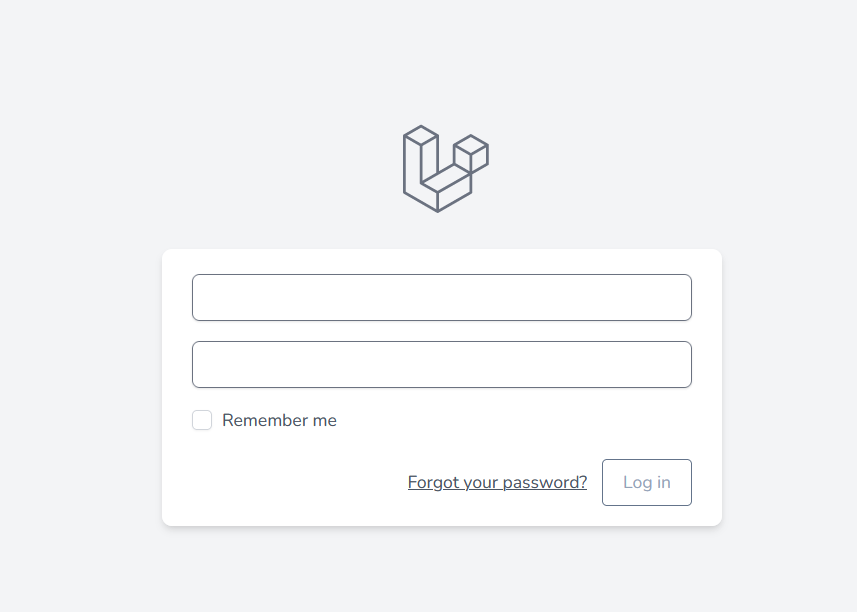
But every label in the login/register form disappear and no reaction on click login/register button. No error in the console.

obraz obraz obraz obraz obraz obraz

Sinnbeck's avatar

@skreng ok looks like it's missing some text classes, but some of it is working. Inspect the elements to see what is missing

skreng's avatar

@Sinnbeck But why it disappeared when the package wireUI is install. If I uninstall everyting is OK.

Sinnbeck's avatar

@skreng I have never used it so I cannot say sadly. I don't use livewire/alpine myself :)

1 like
skreng's avatar
skreng
OP
Best Answer
Level 4

@Sinnbeck Silly thing. I realize that Laravel use login and register forms components <x-input> and <x-button> And the WireUI also use the same component name <x-input> and <x-button> but with different params. Just need to change the Laravel component uses on normal input or button and everything is OK.

andrewdwallo's avatar

@skreng do you mind sharing? I cloned LaravelDaily/Livewire-Wizard-Demo and exactly the same thing is happening to me.. haha

1 like
laastos's avatar

You can edit configuration by publish the WireUI config running the command: php artisan vendor:publish --tag='wireui.config', then customize the aliases in components sections for label, input and button. After saving, you must clear the View Cache by running the following command: php artisan view:clear.

1 like
Taz416's avatar

@laastos This was exactly the issue for me, a collision in the component naming. Thanks

Please or to participate in this conversation.