
Based on the provided information, it seems that the issue is related to the configuration of PestPHP in PhpStorm and Sail for a Laravel package project. Here are the steps you can follow to resolve the problem:
-
Make sure you have the latest version of PhpStorm installed.
-
Open PhpStorm and go to "Preferences" (or "Settings" on Windows) from the main menu.
-
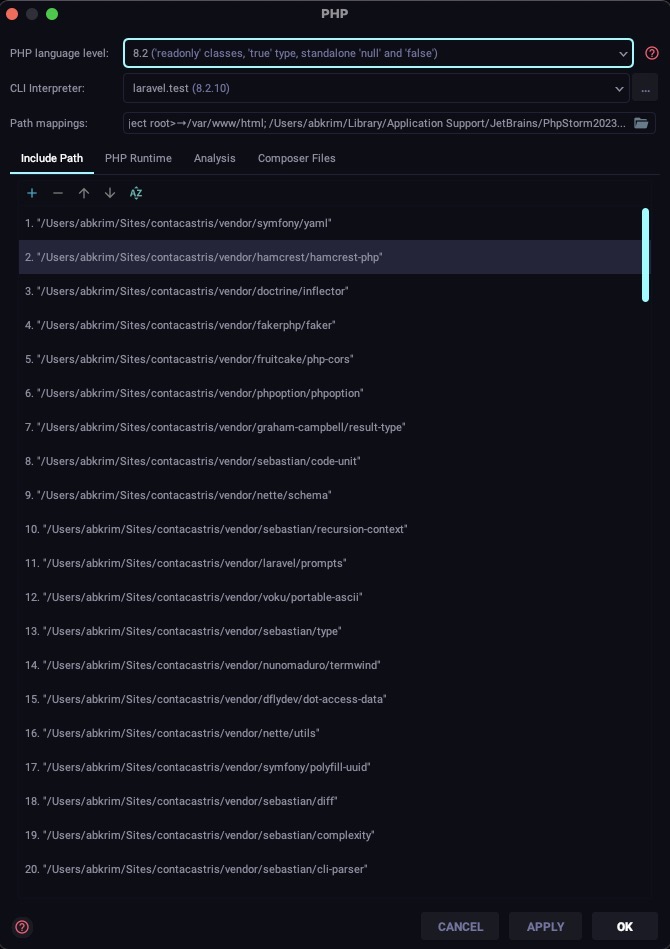
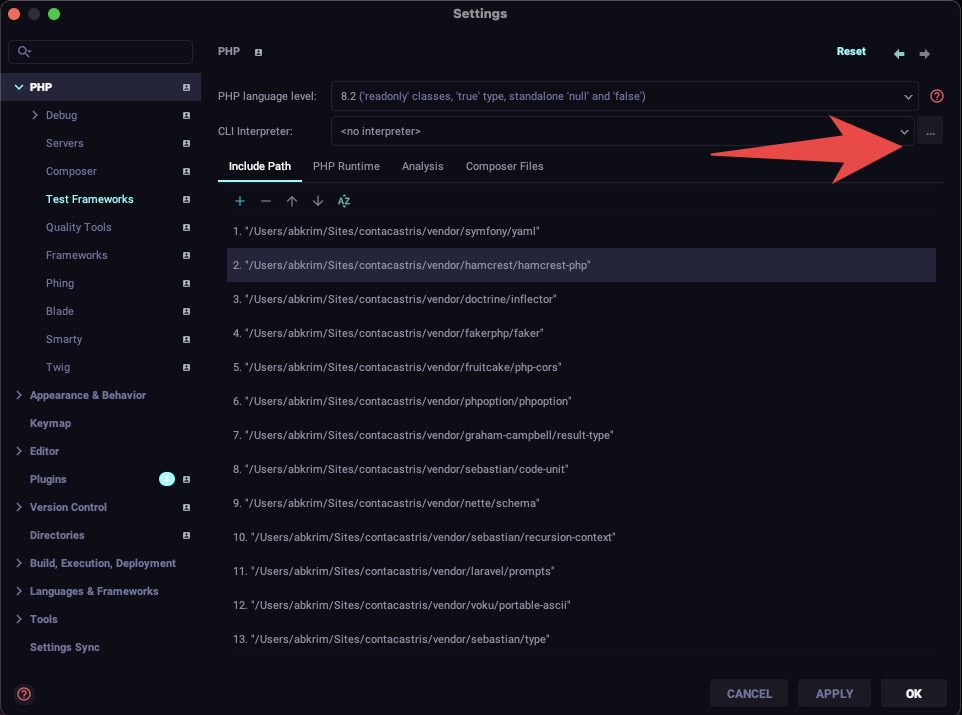
In the left sidebar, navigate to "Languages & Frameworks" > "PHP" > "CLI Interpreter".
-
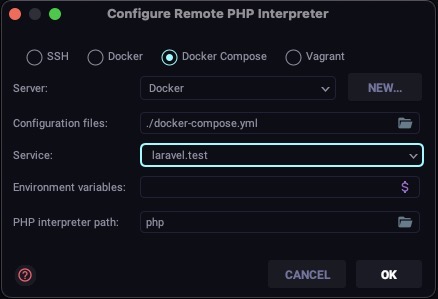
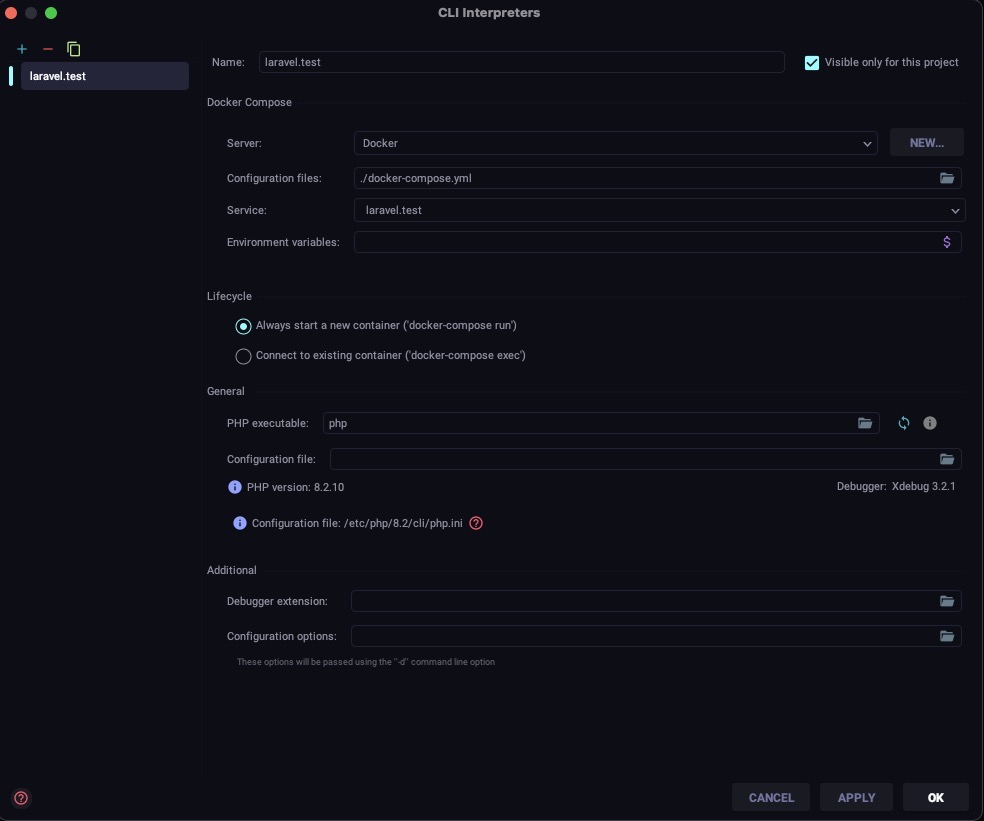
Check if the correct PHP interpreter is selected. If not, click on the "+" button to add a new interpreter and select the appropriate PHP executable.
-
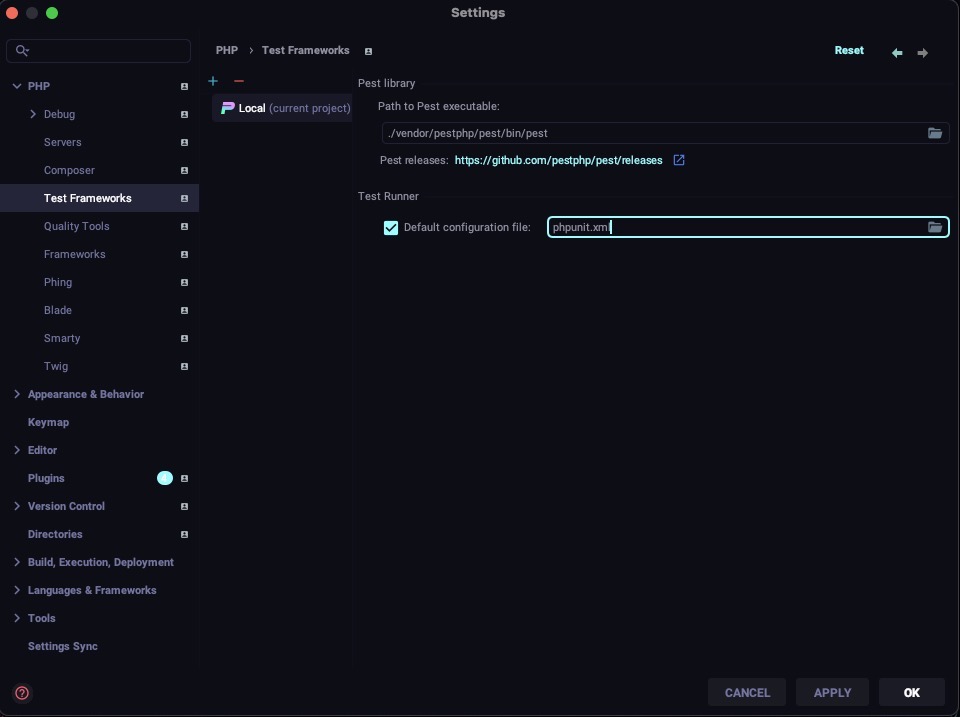
Once the PHP interpreter is configured, go to "Languages & Frameworks" > "PHP" > "Test Frameworks".
-
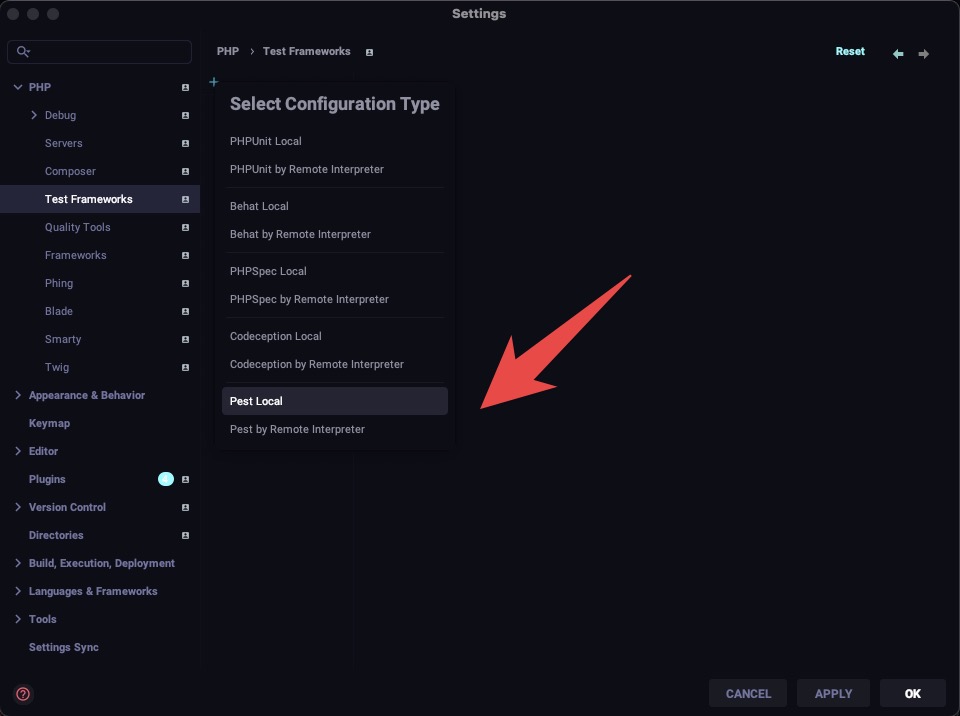
Click on the "+" button to add a new test framework and select "Pest".
-
In the "Pest" section, set the "Path to Pest executable" to the path of the Pest executable in your project's vendor directory. For example:
/path/to/your/project/vendor/pestphp/pest/bin/pest. -
Click "OK" to save the changes.
-
Now, go to "Run" > "Edit Configurations" from the main menu.
-
Select the existing configuration for running tests (e.g., "PHPUnit") or create a new one.
-
In the "Test Runner" section, select "Pest" as the test runner.
-
Make sure the "Use alternative configuration file" option is checked and set the path to your project's
phpunit.xmlfile. -
Click "OK" to save the configuration.
-
Try running the tests again using the "Run" menu or the keyboard shortcut.
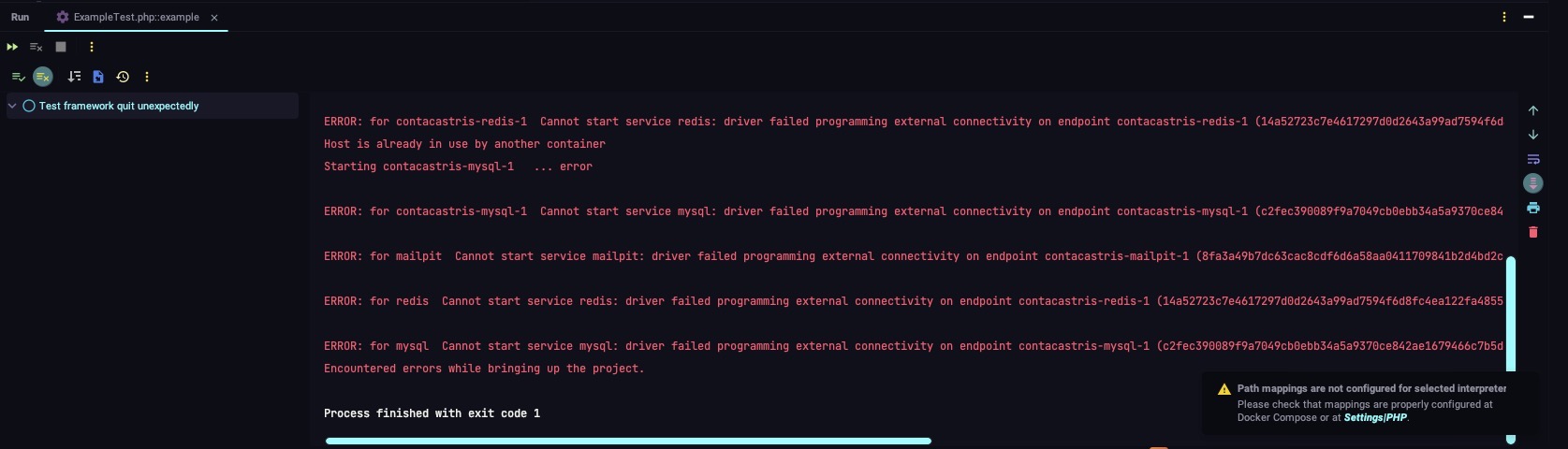
If the issue persists, you may need to check your Docker configuration and ensure that there are no conflicts with the containers. Additionally, make sure that the necessary environment variables (e.g., WWWGROUP, WWWUSER) are properly set.
If you need further assistance, consider posting your question on the Laracasts forum or PestPHP GitHub repository, where the community can provide more specific guidance based on your project's setup.