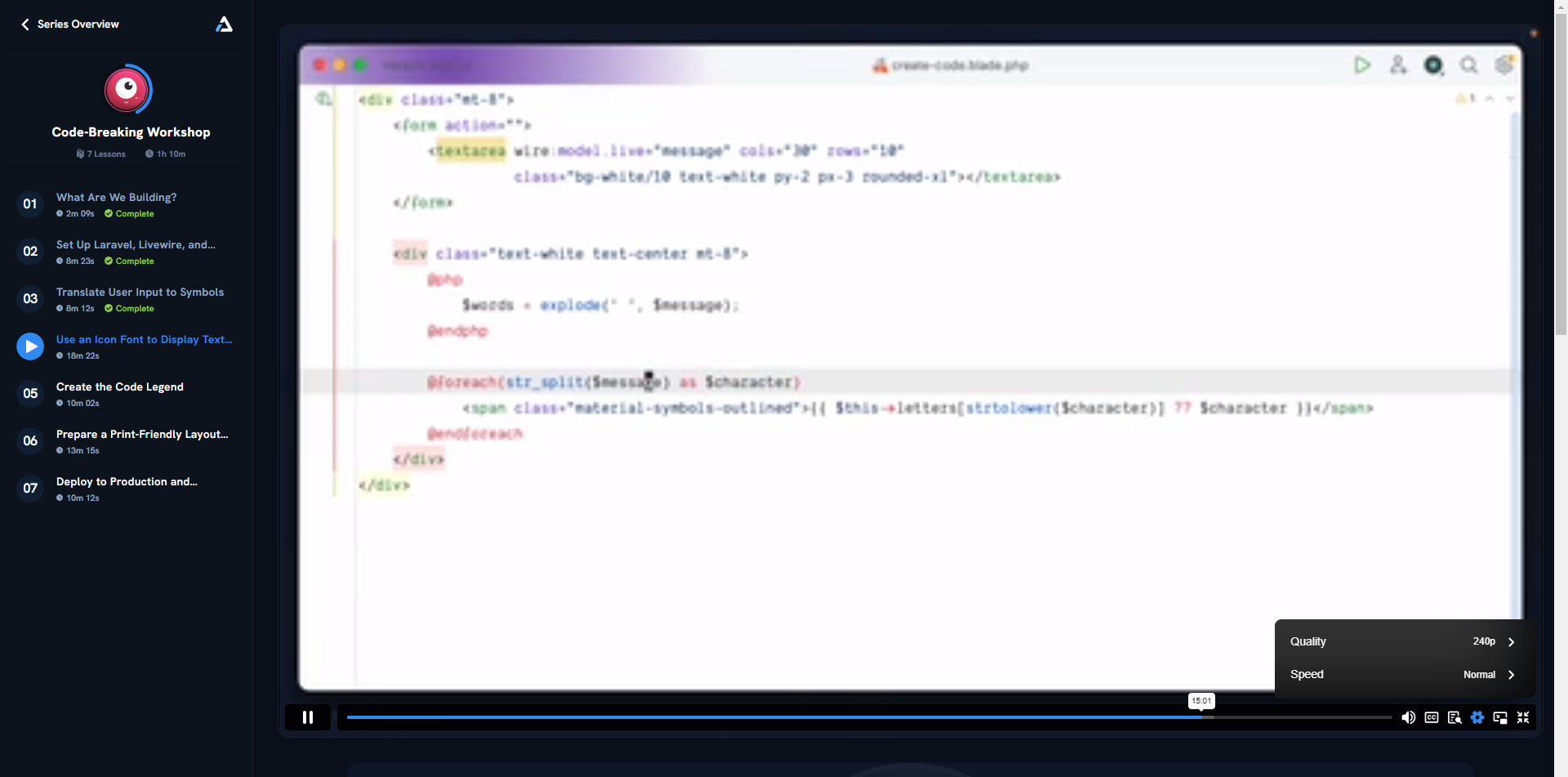
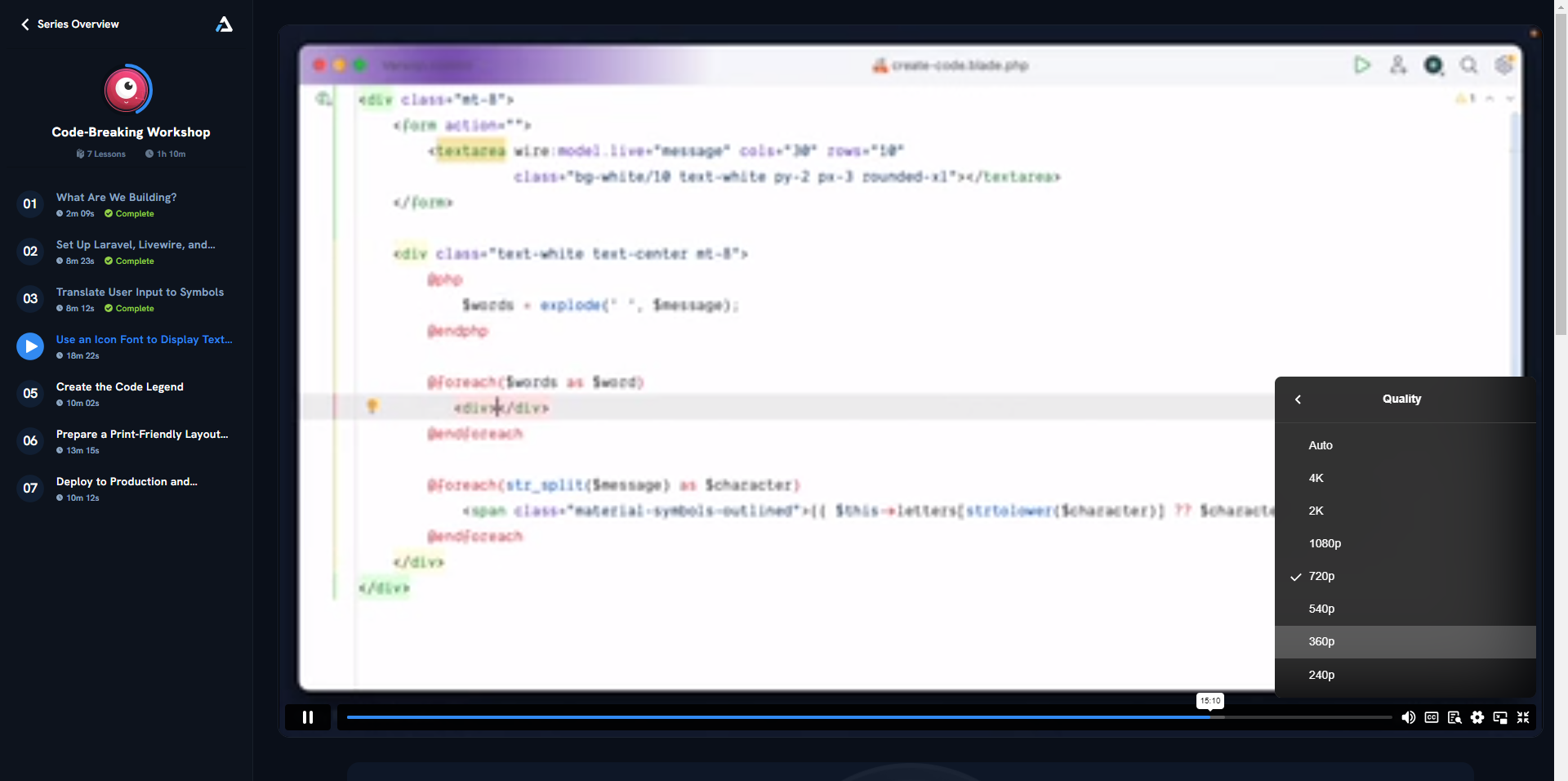
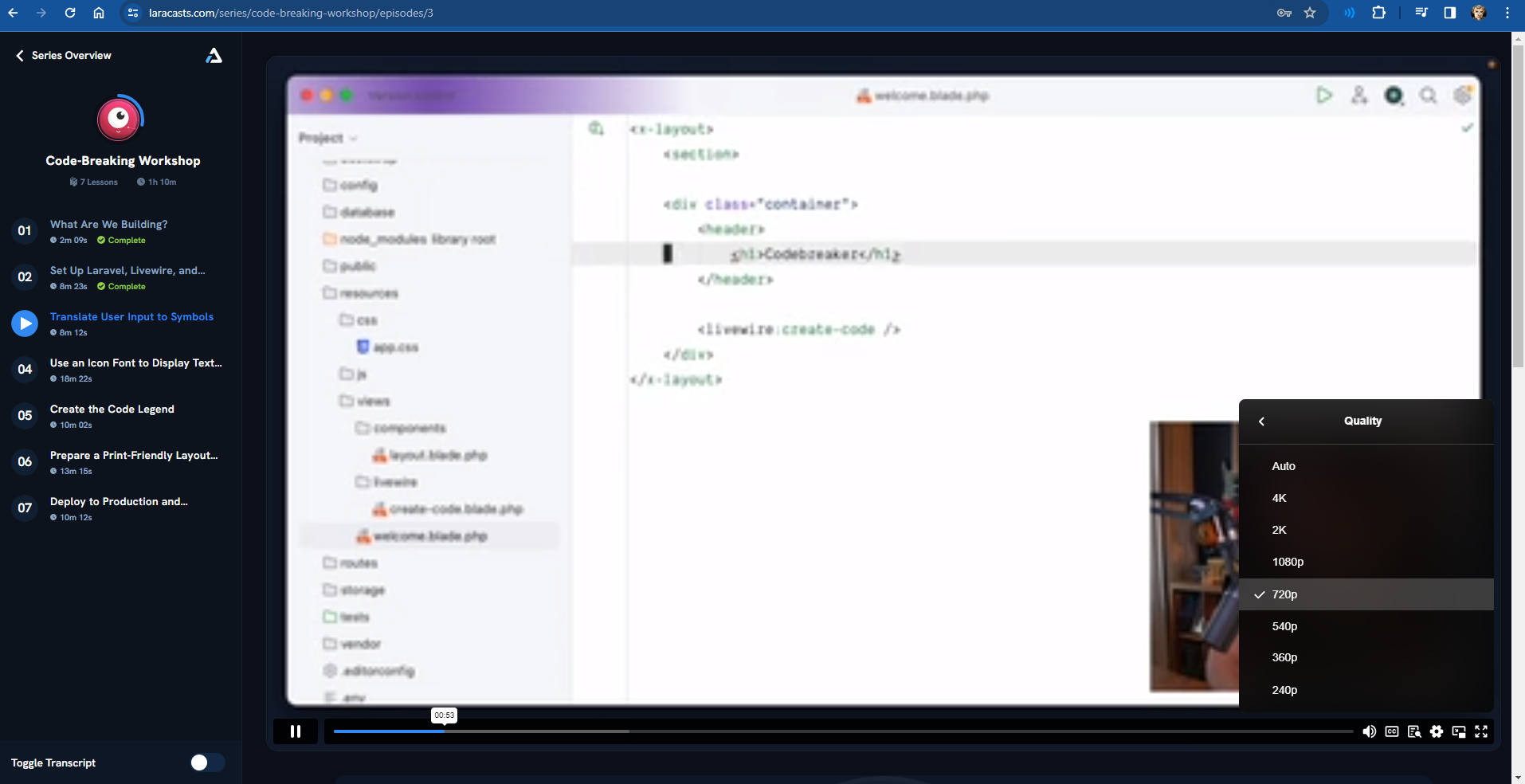
Video Quality changes to SUPER LOW while playback on Laracasts
When I am viewing any series on laracasts, the video quality changes during playback, even when I have specifically set it to 720p, if even my internet is an issue, I can wait for the video to buffer, but I dont want the quality going so low it is all blurry.
@zaidpirwani Laracasts uses Vimeo to deliver its videos. There’s nothing Laracasts can really do; it’s a Vimeo issue. It’s Vimeo dropping the bitrate in order to avoid buffering.
Thanks for the reply, I hope this can be sorted out with vimeo - isnt their something in their API to force specific video quality to force a specific minimum video quality - I am fine with buffering - I dont like going back in the video again and again or trying to set the quality parameter again and again.
for context, I am from Karachi, Pakistan - though we are famous for having problematic Internet, usually it is smooth and we have good enough bandwidth for decent video playback.
@zaidpirwani I have the same issue and a terrible solution that seems to work. If you inspect the source and apply quality=1080p instead of 'auto' to the iframe source. For example: https://player.vimeo.com/video/187987907?quality=1080p