Level 9
any idea on this?

Be part of JetBrains PHPverse 2026 on June 9 – a free online event bringing PHP devs worldwide together.
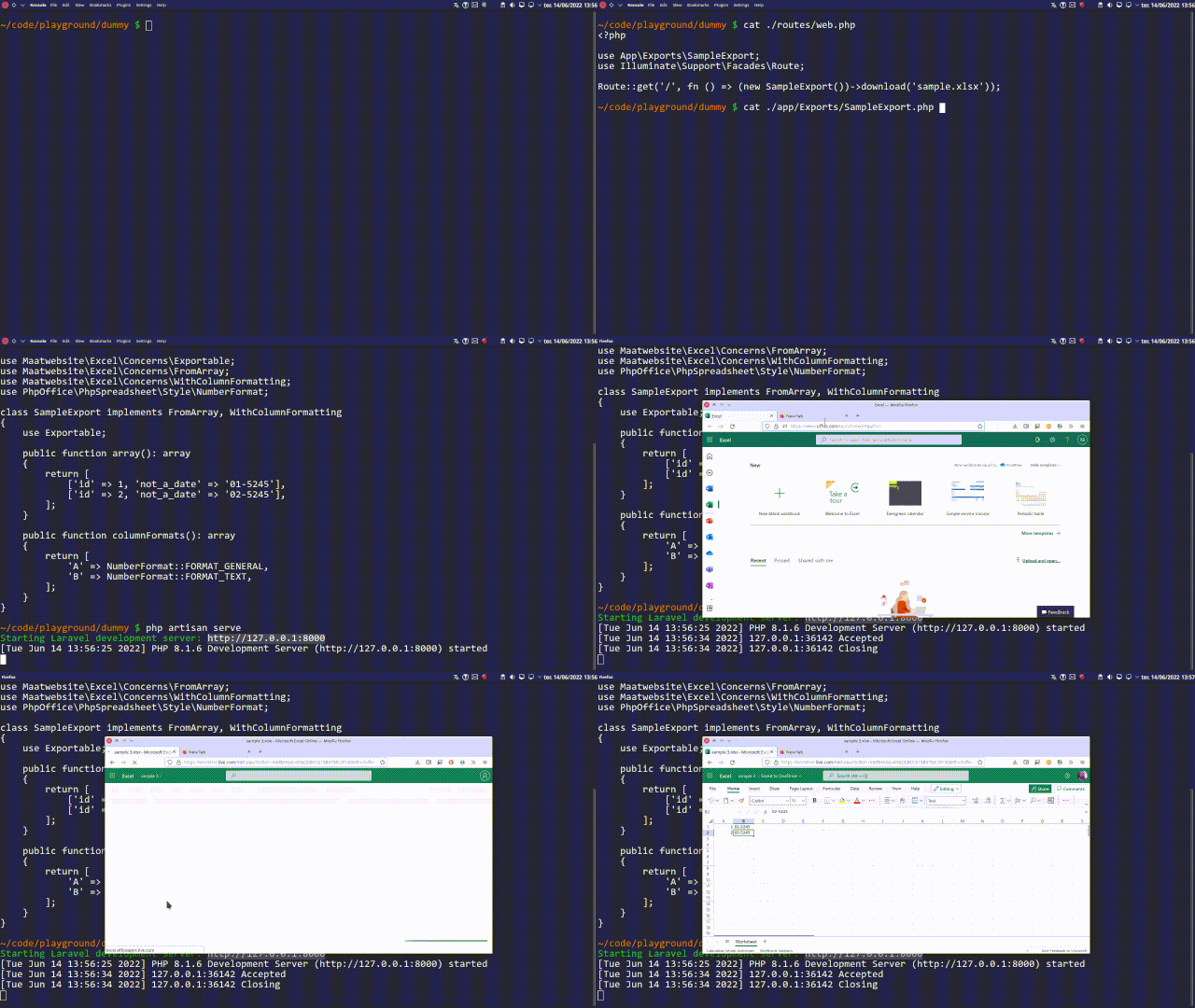
I am using laravel excel to export file, and in one of the column there are values something like 01-5245, but value like this are formatting as jan-5245.
I have already tried to extend extends \PhpOffice\PhpSpreadsheet\Cell\StringValueBinder, but still same issue, my full code looks like this:
class ChunkScrubberExport extends \PhpOffice\PhpSpreadsheet\Cell\StringValueBinder implements FromArray,WithStrictNullComparison,WithCustomValueBinder
{
    use RegistersEventListeners;
    protected $data;
    protected $scrubbed_data;

    public function __construct($data, $scrubbed_data = [])
    {
        $this->data = $data;
        $this->scrubbed_data = $scrubbed_data;
    }
    public function array(): array
    {
        $arr = $this->scrubbed_data;


        $rec_arr = $header_col = array();
        $header_row_data = [];
        $header_row_index = 0;

        foreach($arr as $k => $v){
            if(count(array_filter($v)) != 0){
                foreach($v as $vk => $vv){
                    if (stripos($vv, 'bldg') !== false && stripos($vv, 'unit') !== false) {
                        $header_row_index = $k;
                        $header_row_data = $v;
                        $arr = array_slice($arr, $header_row_index);
                        //after arr_slice, header row index restored to 0
                        $header_row_index = 0;
                    }
                }
            }
        }


        $header_row_data =  array_filter($header_row_data);

        foreach($header_row_data as $k => $v){

                //finding the last array index
                //and moving that title from last index to second last index
                //because title is in the next column of the data of that column
                //ex: title is in 45th col, whereas data are in 44th col
                $amt_index = array_key_last($header_row_data);
                if($amt_index === $k){
                    if (stripos($v, 'amt') !== false && stripos($v, 'sqft') !== false) {
                        $header_row_data[$amt_index - 1] = trim($header_row_data[$amt_index]);
                        $header_row_data[$amt_index] = null;
                        $header_col[] = $amt_index-1;
                    }else{
                        if(!isNullOrEmptyString($v)){
                            $header_col[] = $k;
                        }
                    }
                }else{
                    if(!isNullOrEmptyString($v)){
                        $header_col[] = $k;
                    }
                }

        } //endforeach $header_row_data


        foreach ($arr as $ak => $av){

                //only if row is not empty (or filled with null), will get inside if condition
                if(count(array_filter($av)) != 0){
                    $row_data = [];
                    if($ak === $header_row_index){
                        foreach($header_row_data as $k => $v){
                            if(in_array($k,$header_col)){
                                $row_data[] = $v;
                            }
                        }
                    }else{
                        foreach($av as $k => $v){
                            if(in_array($k,$header_col)){
                                $row_data[] = $v;
                            }
                        }
                    }
                    $rec_arr[] = $row_data;
                }//end array_filter

        }//endforeach $arr


        //this array will store data from previous row
        //and if data is not present in current row of certain col, the value from previous row will be used in this row
        //for that particular column
        $pre_row = [];

        foreach ($rec_arr as $ak => $av) {

            foreach ($av as $k => $v) {

                if(isNullOrEmptyString($v)){
                    $rec_arr[$ak][$k] = $pre_row[$k] ?? "";
                }else{
                    $pre_row[$k] = $v;
                }

                if($this->data['header_row'] === $this->data['start_row'] && $ak === $header_row_index){

                    //removing new line and special characters from header row data
                    $rec_arr[$ak][$k] = trim(preg_replace('/\s+/', ' ', $v));

                }

            } //end foreach $av

        } //endforeach $rec_arr

        //removing last row with total property value
        $last_row = end($rec_arr);
        $last_row_first_index = array_key_first($last_row);
        $last_row_first_col_value = $last_row[$last_row_first_index];

        if(stripos($last_row_first_col_value, 'property') !== false){
           array_pop($rec_arr);
            array_pop($rec_arr);
        }

        $scrubber = $this->data['scrubber'];
        $scrubber->status = 1;
        $scrubber->save();

        return $rec_arr;
    }

    public static function afterSheet(AfterSheet $event)
    {
        $active_sheet = $event->sheet->getDelegate();
        $centered_text = [
            'alignment' => [
                'horizontal' => \PhpOffice\PhpSpreadsheet\Style\Alignment::HORIZONTAL_CENTER, 'vertical' => \PhpOffice\PhpSpreadsheet\Style\Alignment::VERTICAL_CENTER
            ]
        ];
        $active_sheet->getParent()->getDefaultStyle()->applyFromArray($centered_text);
    }
}
By the way, if I open it on a notepad, it's still showing as 01-5245, is this something that can be handled from laravel excel as well, or there is nothing we could do on this from laravel-excel and need to change formatting from ms-excel.
Please or to participate in this conversation.